



The RoadMate app
How the app works.
Scroll through a request, from the first tap to the rating.
The app, step by step
-
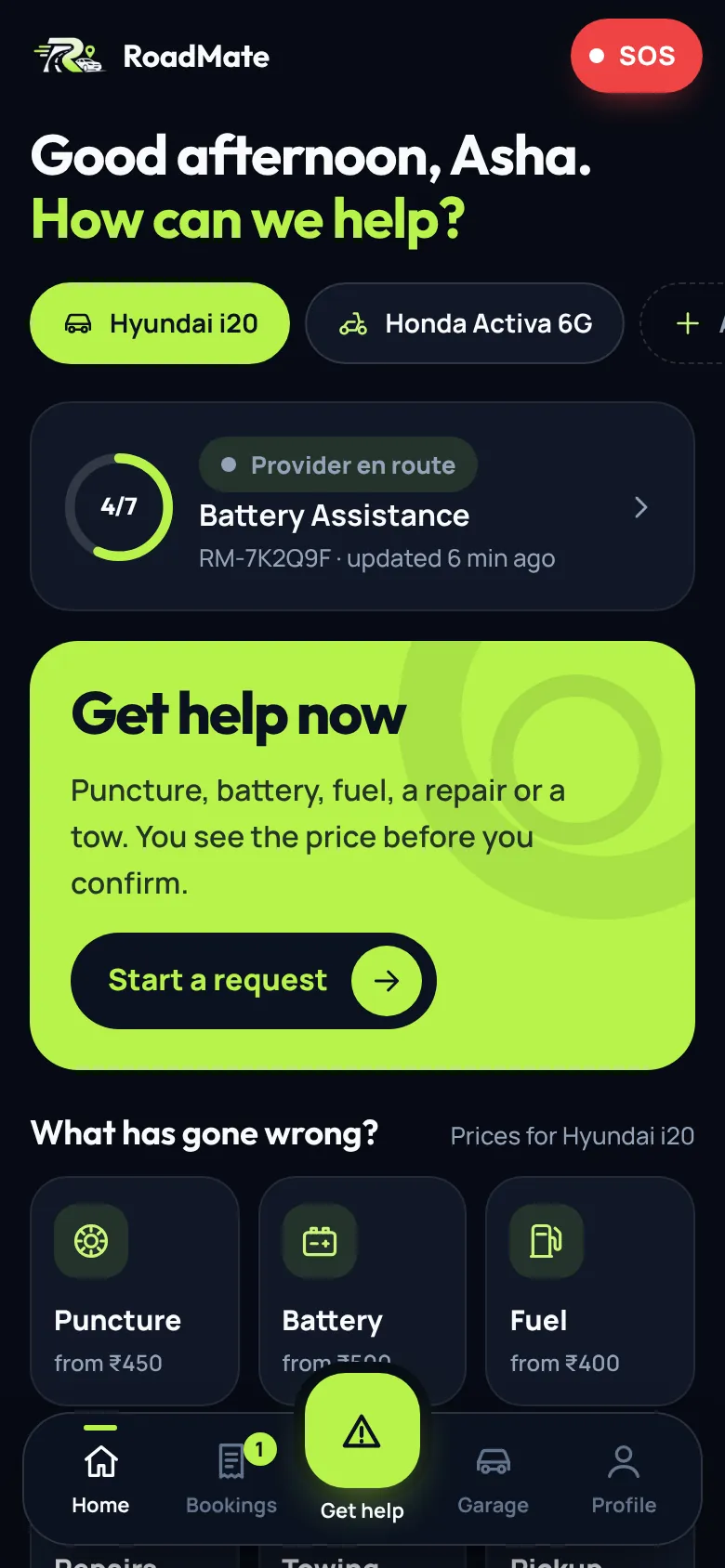
Open the app
Your vehicle, any live request and one big Get help button.
-
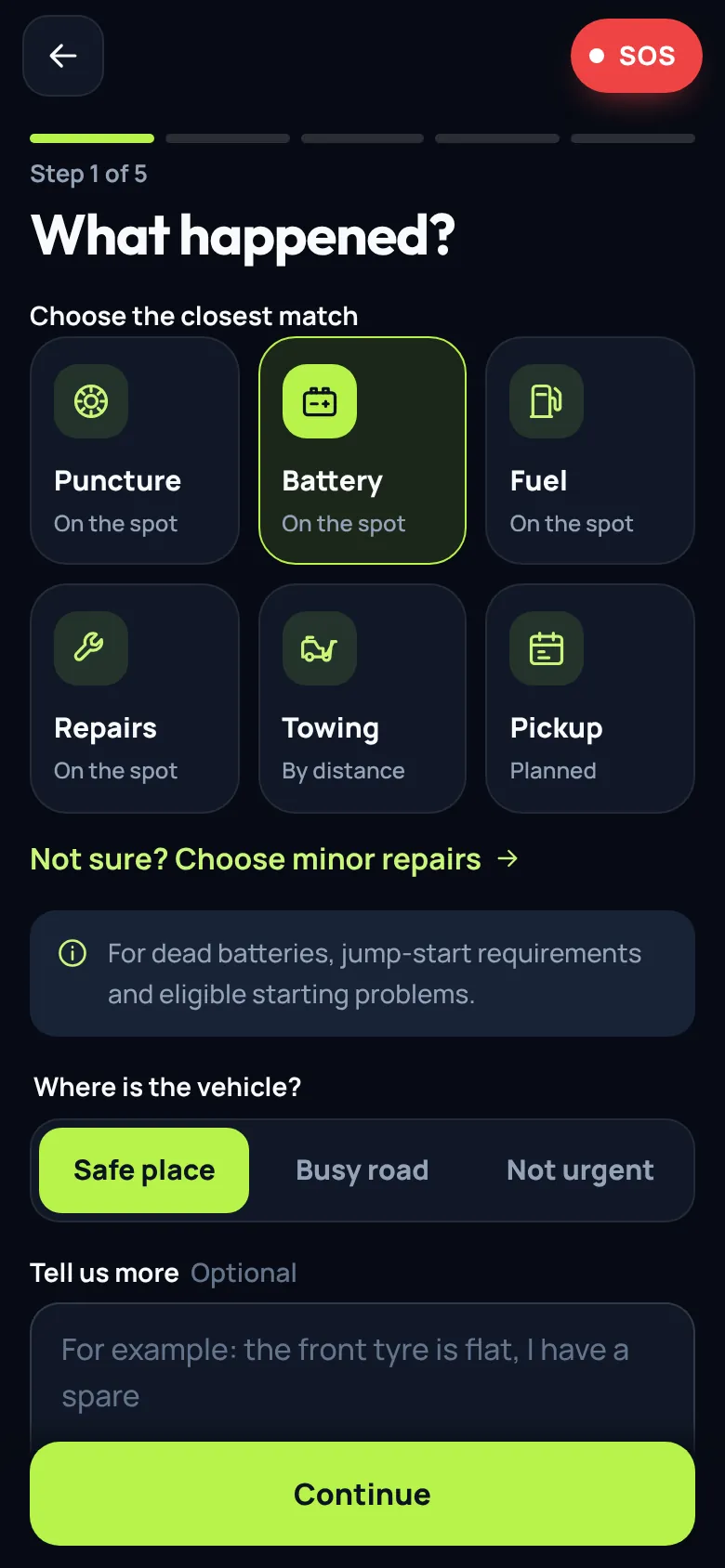
Pick what went wrong
Six services. Prices follow your vehicle.
-
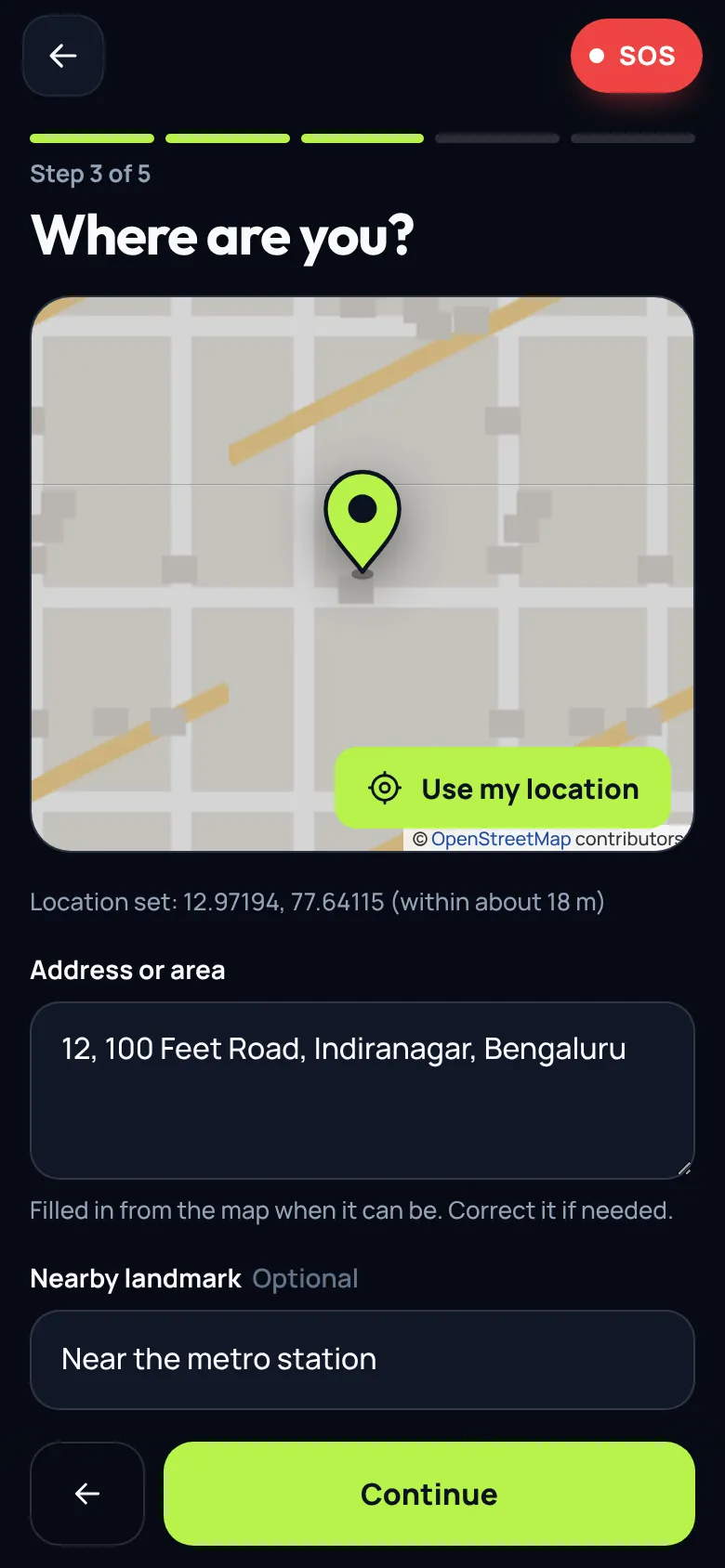
Drop the pin
Move the map or use your location. The address fills in.
-
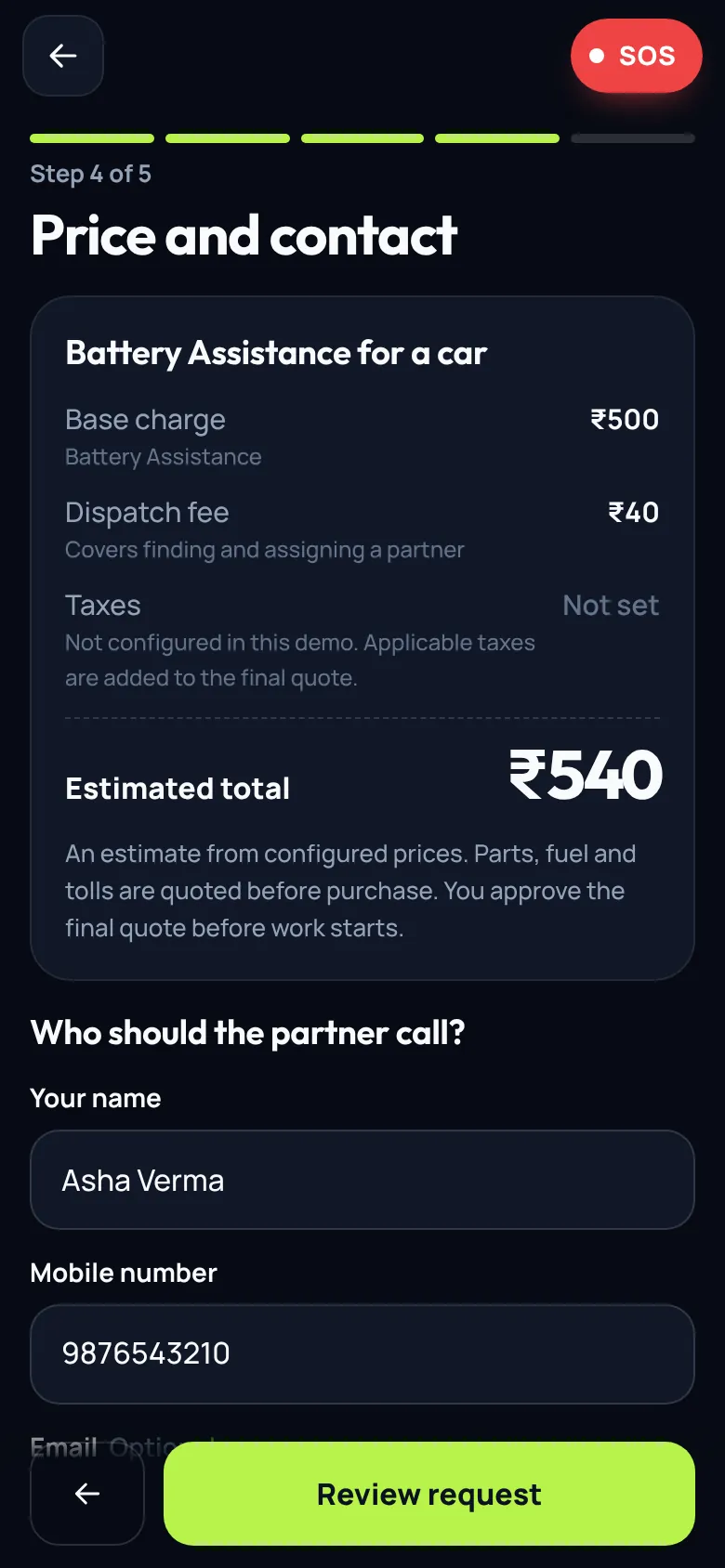
See the price, then confirm
An itemised estimate first, then one tap to send.
-
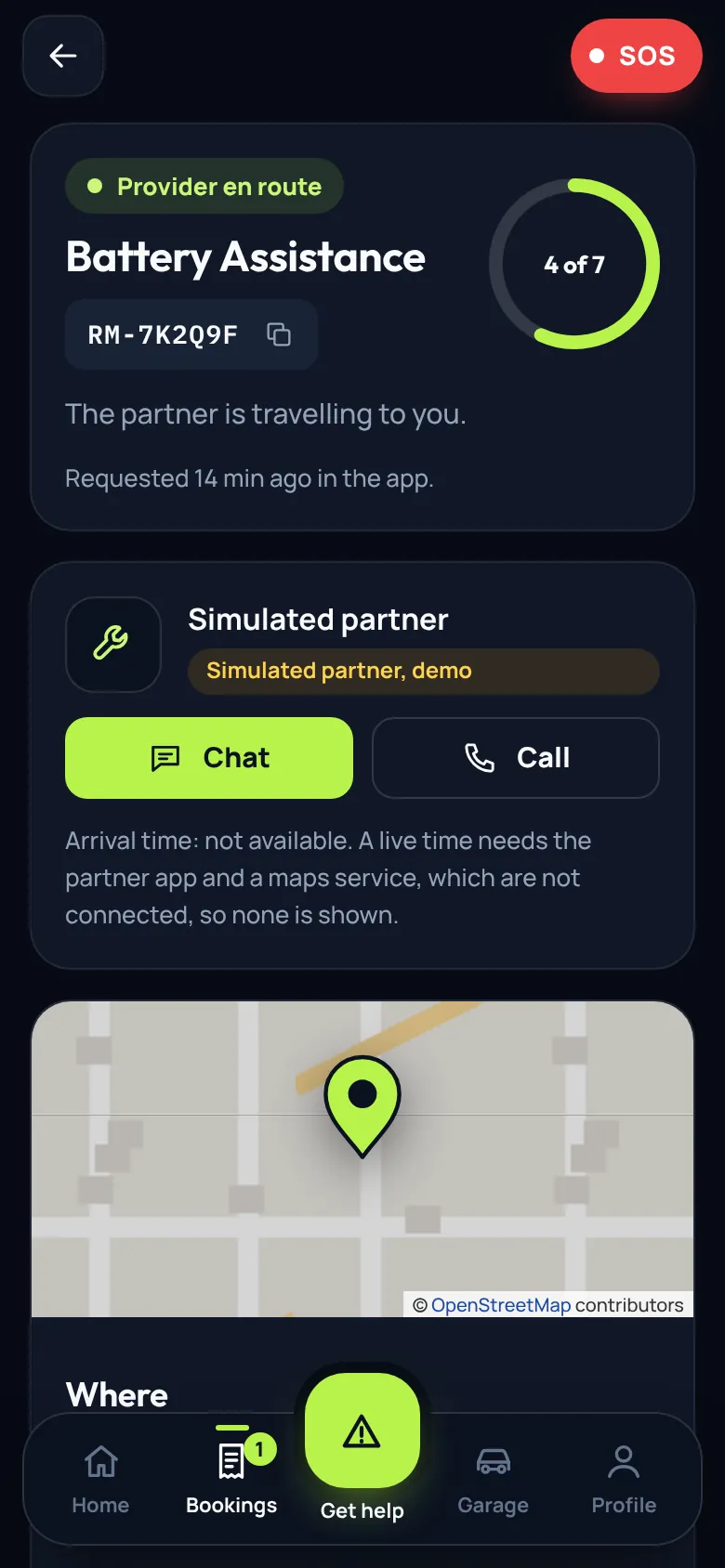
Follow it live
The ring fills as your request moves through seven stages.
-
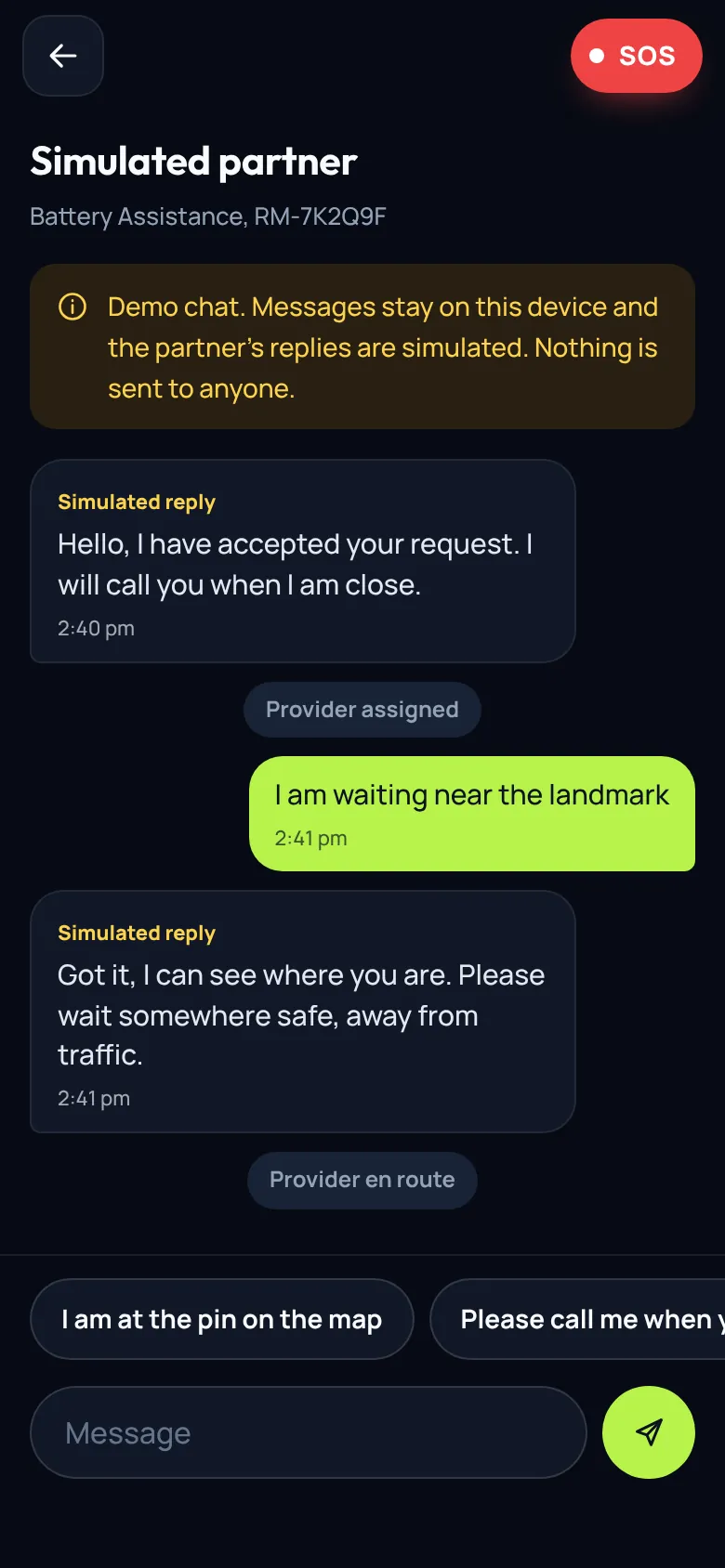
Chat with your partner
Messages and quick replies. Demo replies are simulated.
-
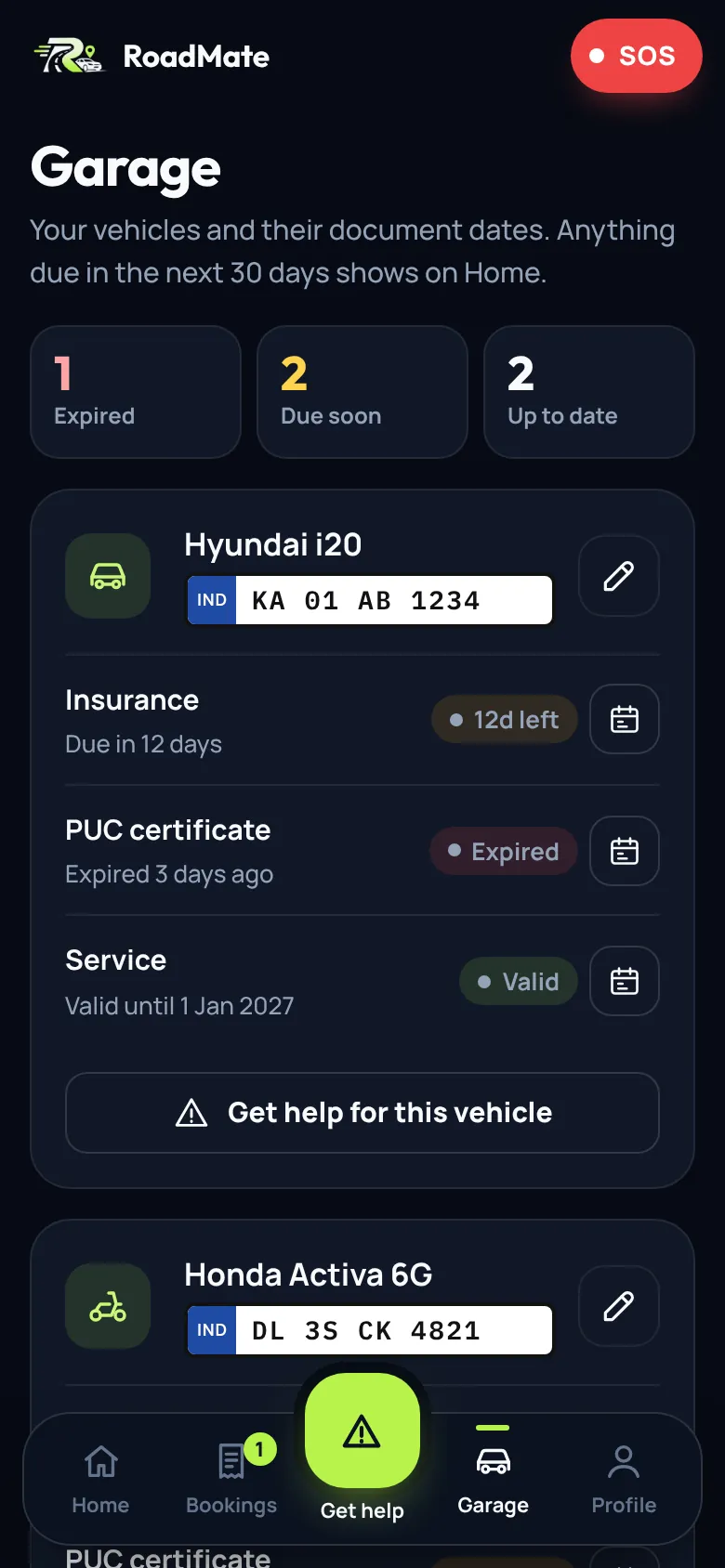
Garage reminders
Insurance, PUC and service dates, flagged before they run out.
-
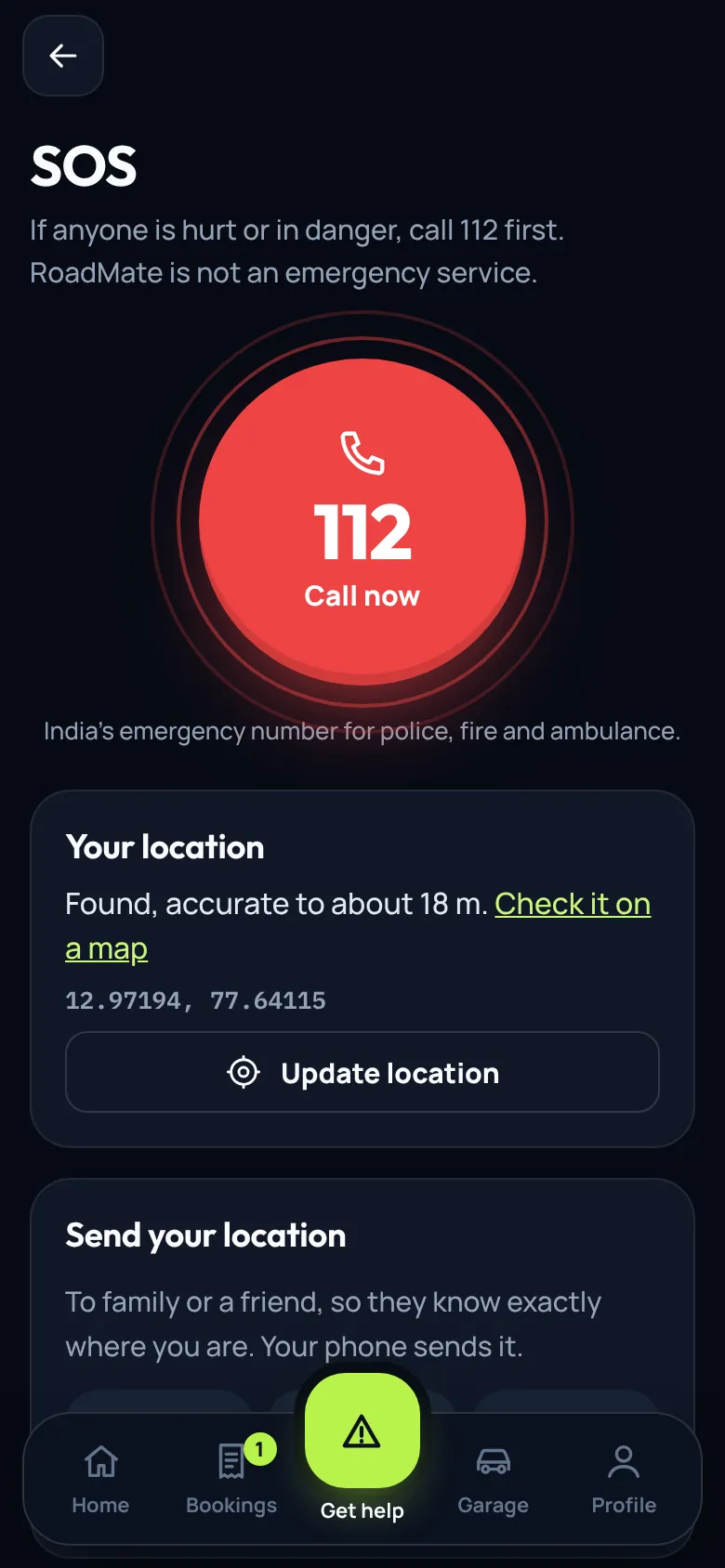
SOS when it matters
Call 112 and send your location to family in one tap.
Try it now
It runs in your browser. Install it to get an icon and use it offline.